
Microsoft Copilot
Microsoft Copilot is Microsoft's free AI chatbot, and the Windows app puts it in its own window for questions, writing help and summaries.
255.4 MB

Gamma is an AI tool for creating presentations, documents and simple web pages from a prompt or outline; the Windows app opens it from the Microsoft Store.
Average 0.0 · ratings: 0
Thank you! Your rating is saved; you can change it. Could not save the rating. Please try again later. Too many ratings from your network today. Please try again tomorrow. The average appears after 5 ratings.
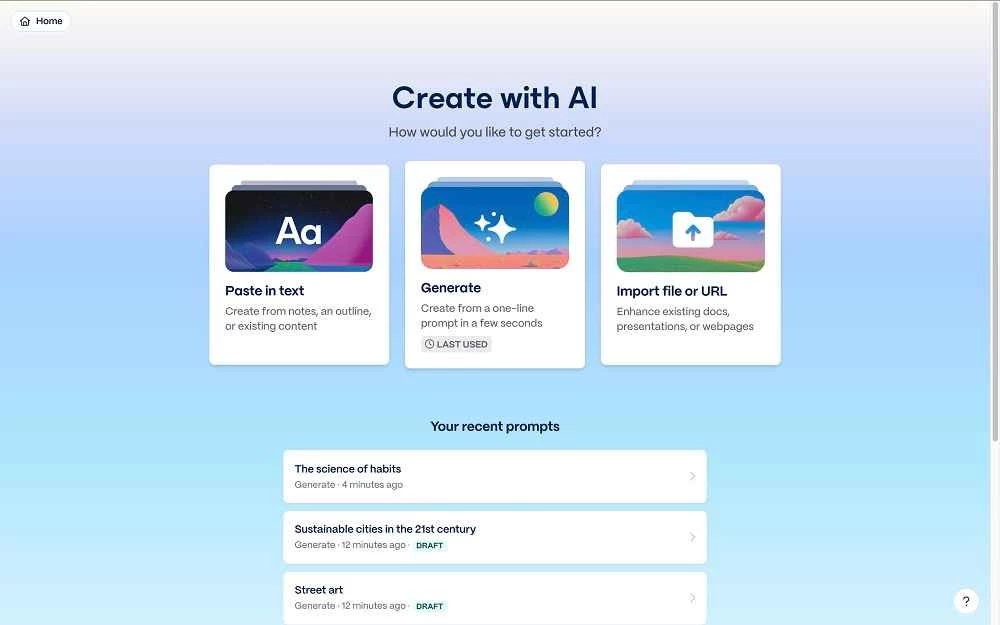
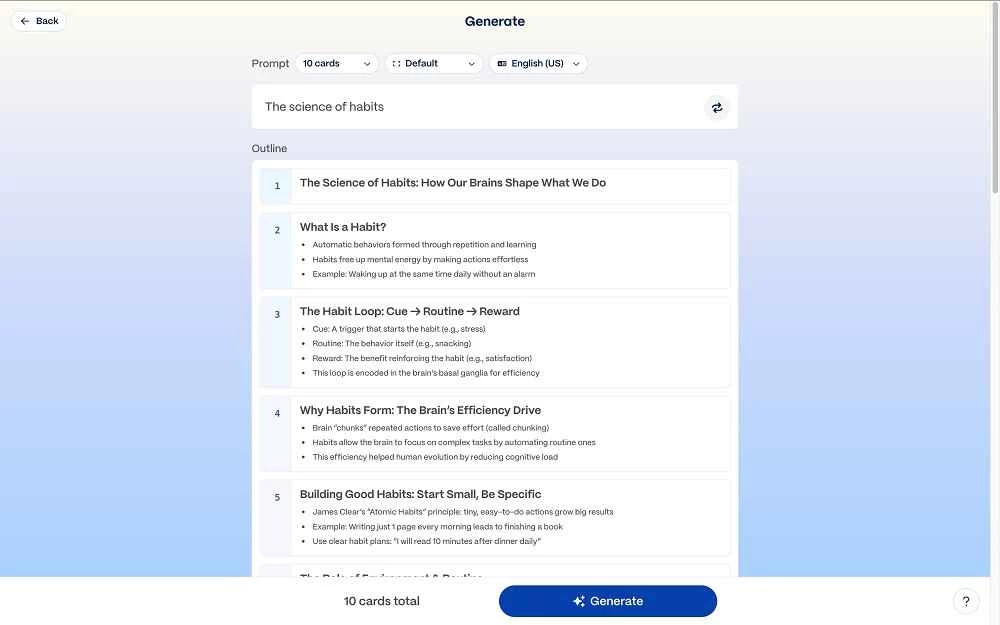
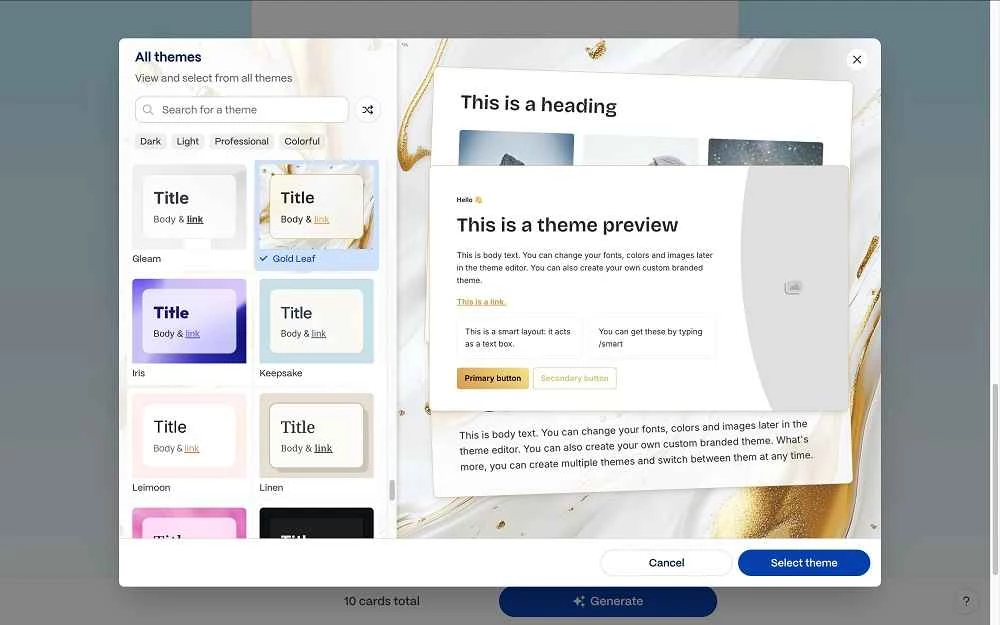
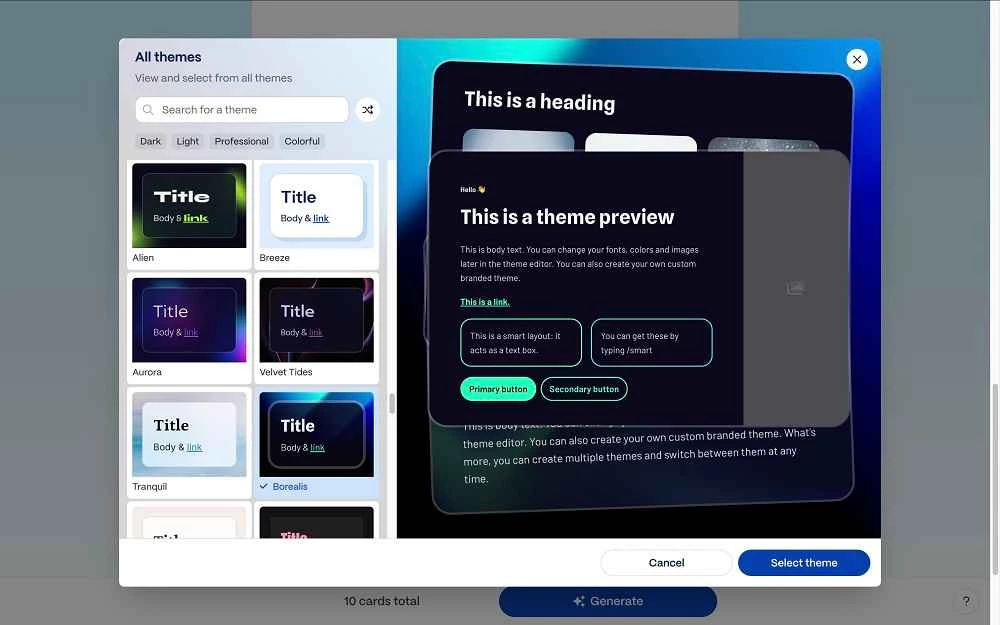
Gamma Ai 1.0.2.0 is the Windows app of Gamma, an AI-powered tool for creating presentations, documents and simple web pages. You describe what you need or paste an outline, and Gamma generates a first version with layout, text and images that you can then edit. The app is a small shell around the online service, and you can download Gamma Ai for Windows from the Microsoft Store.
Gamma is aimed at people who need to present ideas but do not want to spend hours arranging slides: founders preparing a pitch, teachers building a lesson, consultants turning notes into a client update, students making a project presentation, and marketers drafting a one-page site. Instead of starting with an empty slide, you start with a draft generated from your prompt, then rewrite, restyle and reorder cards until it says what you mean. That makes it fast for first drafts and internal presentations. It is less suited to strict corporate templates with fixed fonts and layouts, or to presentations that must be edited offline in PowerPoint without changes. Because the content is created by AI, facts, figures and quotes need checking, and generated images should be reviewed before sharing. The models behind AI tools change often; for a comparison of current AI models, see the AI section of this site.
| Item | Details |
|---|---|
| Version | 1.0.2.0 |
| Developer | Gamma |
| Platform | Windows app for the online service |
| Licence | free to download; the service has free and paid plans |
| Size | about 1.2 MB according to catalogue data |
Developers who connect Gamma to other tools can follow the Gamma API changelog.
Your prompts and content are processed and stored online. Avoid uploading confidential company data unless your organisation has approved the service.
General AI assistants in our listings, such as ChatGPT, Microsoft Copilot and Perplexity, can help draft outlines and slide text that you then lay out yourself.
Microsoft Copilot is Microsoft's free AI chatbot, and the Windows app puts it in its own window for questions, writing help and summaries.

ChatGPT for Windows is OpenAI's desktop app for its AI chatbot, used for writing, explanations, summaries, coding help and more.

Perplexity for Windows is the desktop app of the AI search engine that answers questions in plain language and shows the sources it used.